Resources: using Lean Library for e-sources
Lean Library is a tool that provides quick and easy access to online information sources and is a user-friendly alternative to VPN or Athena. With the Lean Library browser extension, you have our e-resources at your fingertips, on any website and from any location.
How does it work?
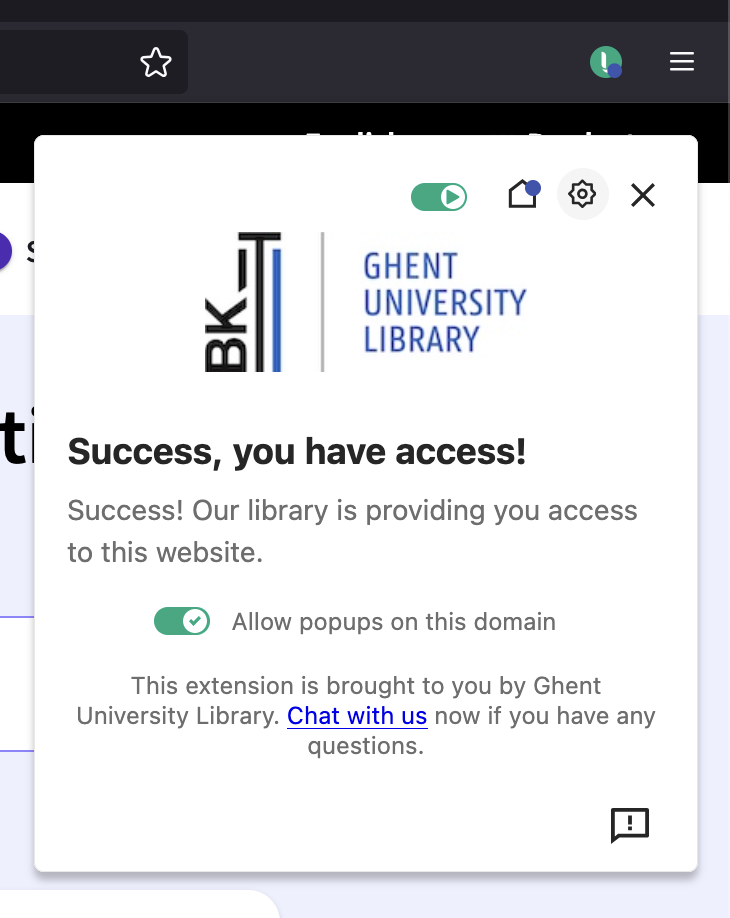
You install Lean Library in your browser once. From then on, the extension detects whether you have access via UGent. When you are working from home or outside UGent and you try to open an article or e-book, a pop-up from Lean Library appears, helping you to log in so that you can access it via the UGent licence. This means you don't have to figure out on your own how to access it.
The extension displays an icon in your browser that works like a traffic light:
- Green: The text is available through your library or is freely accessible (open access).
- Grey: The text is not available through the library and no open access version has been found.
- Yellow: The extension has a message or notification for you.
Installation
Download and install the extension for your browser.
The Lean Library browser extension works in Chrome, Firefox, Edge, Opera, and Safari. If you use Internet Explorer, Library Access is not a browser plugin but a piece of software that you can download to your computer or laptop.
The extension is only available on PCs and laptops, not on mobile devices.
Tips
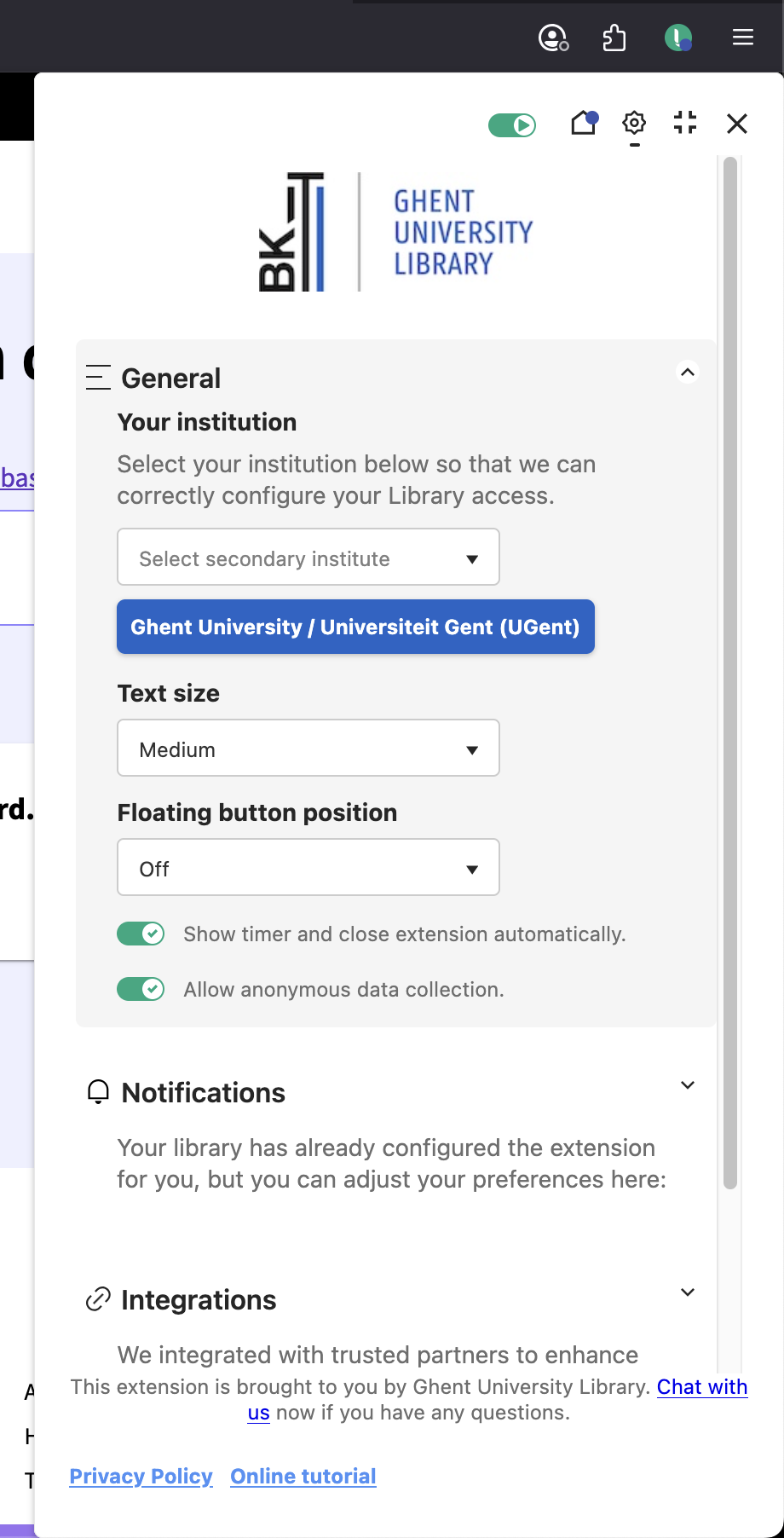
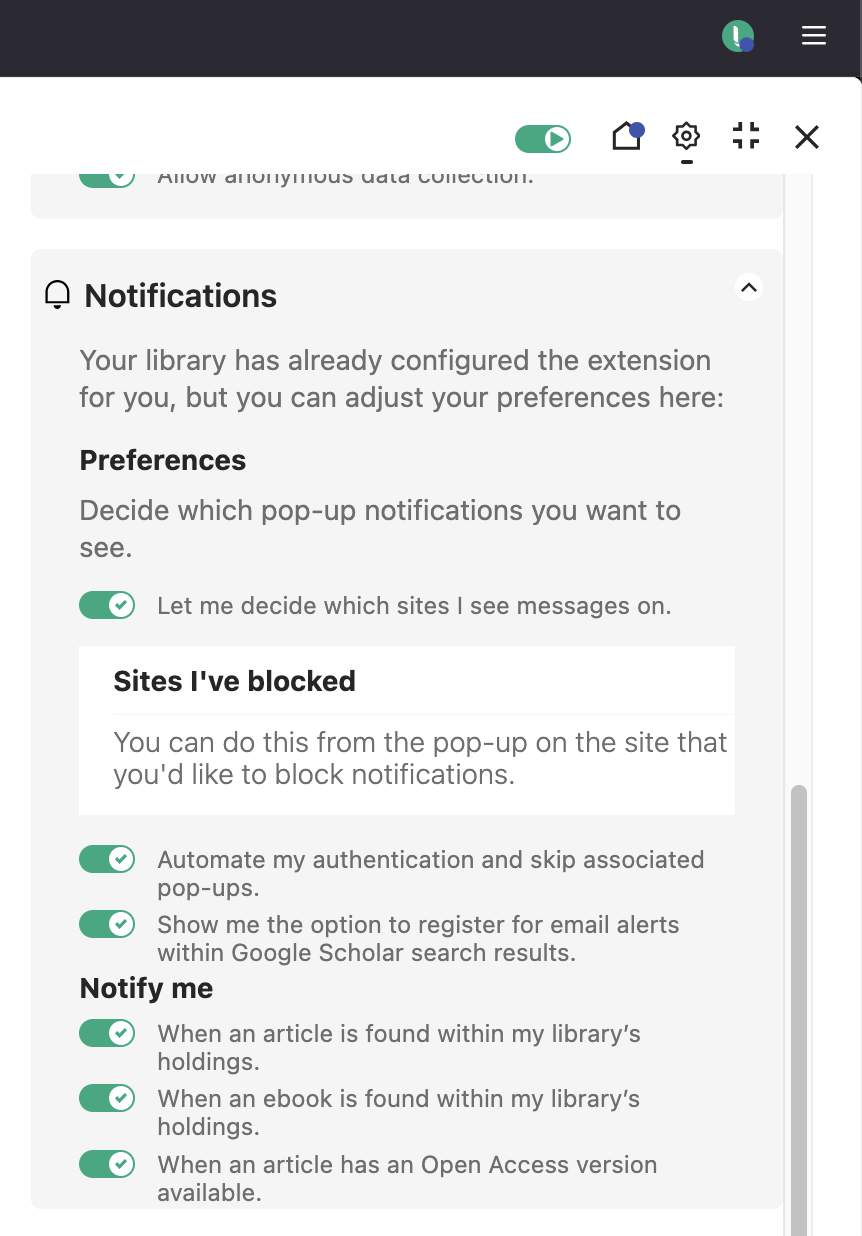
You can decide when and for how long Lean Library's pop-ups appear in your browser extension's settings.
More tips
- JSTOR (Search / find)
- Library: how to use the library catalogue? (Search / find)
Translated tip
Last modified Aug. 24, 2026, 3:01 p.m.